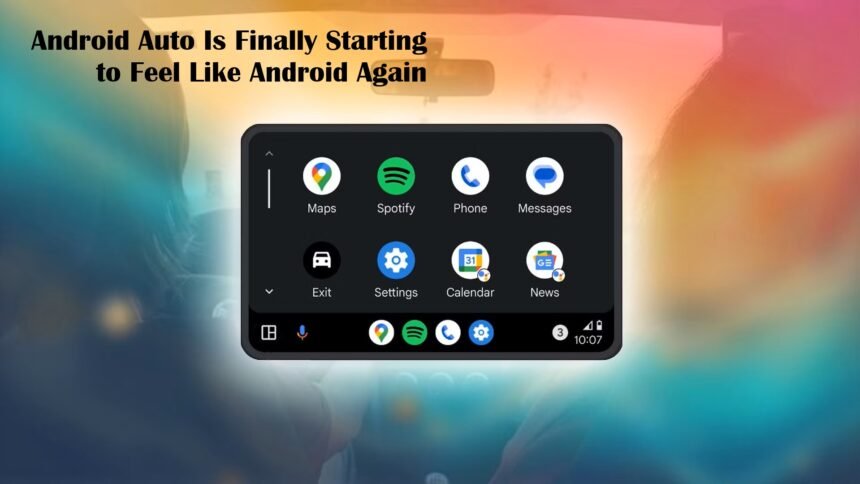
In recent updates, Android Auto is undergoing a transformation, and it is now beginning to feel much more like the full Android experience that many of us know and love. Rather than being a limited, simplified car-only interface, it is evolving into a more robust and flexible platform.
This shift is being driven by the addition of productivity tools, entertainment options, and smarter in-park features, making Android Auto feel closer to its smartphone counterpart.
A More Productive In-Car Interface
One of the most significant changes is the way Android Auto now supports productivity apps. Rather than just handling navigation, calls, and music, the system is beginning to offer more “phone-like” functionality. For example, tools for managing emails, calendars, and reminders are gradually being integrated.
These apps enable users to stay organized while on the go, without requiring them to constantly pick up their phones. By supporting this kind of workflow, Android Auto is becoming more than just a driving aid; it is transforming into an extension of your daily digital life, seamlessly integrated into your car’s dashboard.
Gaming and Entertainment on the Road
Another area where Android Auto is evolving is gaming and entertainment (while parked). In the latest versions, Google has enabled support for both games and more “Android-style” apps that only show their full interface once the vehicle is in park.
This change opens up new possibilities: users can play simple games, browse content, or use apps that previously weren’t feasible in the car environment. By enabling these features, Android Auto bridges the gap between a locked-down infotainment system and a mobile Android device, but in a way that still respects safety by limiting full interaction to when the car is stationary.
Smarter Parked-Mode Tools
To support that richer experience, smarter parked-mode tools have been added. When the vehicle is parked, Android Auto enters a more capable mode: full app interfaces become available, and you can do more of what you would on a phone.
These parked-mode enhancements also include better tools for resuming tasks, managing media, and interacting with apps in a way that feels familiar. In effect, the car becomes a “second screen” of your phone but optimized for in-car use, with bigger buttons, voice support, and a safer environment for interaction.
Consistent Theming and Visual Identity
The visual design of Android Auto is also maturing. The interface is being adapted with a Material You-inspired design that aligns more closely with modern Android styling.
This consistency helps the user feel at home because the visual language of the car display echoes that of the phone. At the same time, Google is experimenting with a light mode for Android Auto. This alternate theme could make the system more visually flexible, particularly for daytime driving or for users who prefer a less dark interface.
Why This Matters: Android Auto as a True Android Experience
The shift described above is important for a few reasons:
- Less Fragmentation: Android Auto once felt like its own separate ecosystem. Now, with more Android-like features, the distinction between “phone” and “car” is blurring in a productive way.
- Better Value: Users who already rely on Android devices gain more value from Android Auto. The time spent in the car can become more productive and enjoyable.
- Developer Opportunity: With support for richer app experiences, developers can build apps optimized not only for driving but for a hybrid use case (drive + park). This opens up new possibilities for in-car experiences.
- Future-proofing: As cars’ infotainment systems grow more powerful and displays become larger, Android Auto’s evolution ensures that it remains relevant and capable. It is no longer just a projection of phone apps, but a platform in its own right.
Challenges and Trade-Offs
Of course, this evolution does bring challenges:
- Safety Concerns: More powerful apps running during parked mode are one thing, but the risk is in distraction. Google needs to carefully manage when and how apps become interactive.
- Performance Demands: Richer apps and more functionality demand more from hardware. Not all car head units will handle these well, especially older ones.
- User Expectations: Some users may resist change. For years, Android Auto was praised for its simplicity. With more features, newcomers might feel overwhelmed or nostalgic for the old minimalist UI.
- Transition Complexity: Developers who built simple “car-only” apps may need to rethink their products to take advantage of new parked-mode interfaces.
Looking Ahead
Google’s latest plans hint that Android Auto’s transformation is just beginning. According to the Android Developers Blog, more new in-car experiences are coming, and nearly 250 million vehicles are already compatible with Android Auto. With that kind of reach, Google has a strong platform to push further Android-style integration.
Additionally, the rollout of increasingly sophisticated AI might further enhance how users interact with their car, making voice commands more natural and context-aware.