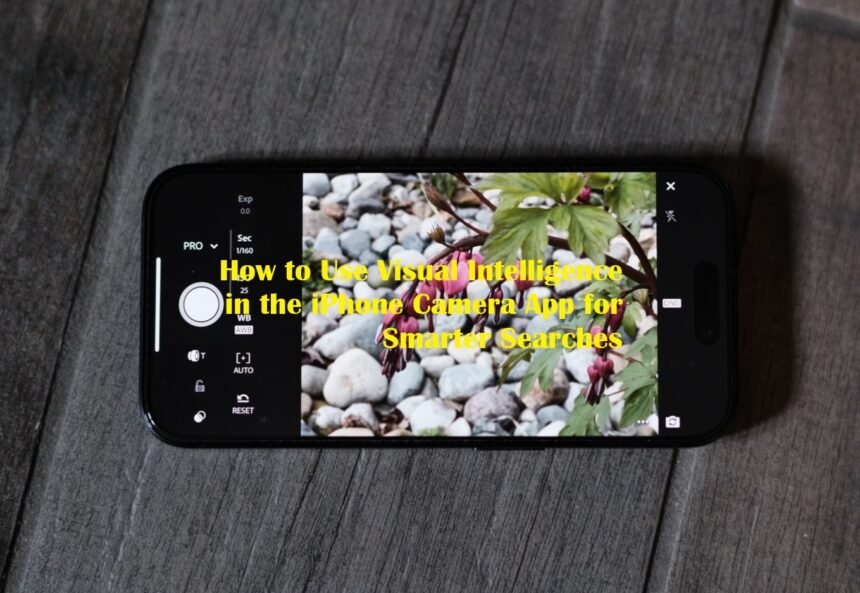
Apple is making the iPhone camera more useful than simply capturing photos. With iOS 27, Visual Intelligence has been integrated into the Camera app through a dedicated Siri mode, allowing users to point their device at an object, capture what they see, and receive information or perform actions based on the image.
The change gives Visual Intelligence a more visible role in everyday iPhone use. Instead of treating the feature as a separate AI tool, Apple places it directly alongside familiar camera modes, making it easier to access when users encounter something they want to understand.
Finding Visual Intelligence Through Siri Mode
To begin, open the Camera app on an iPhone running iOS 27 and move through the available camera modes until you reach Siri mode. The mode appears alongside options such as Photo and Video. Once activated, point the camera toward the object, document, food, plant, animal or other subject you want to examine. Press the main camera button to capture the image.
Visual Intelligence can then analyze the content and present information or suggested actions. Apple has also retained another access method. On supported iPhones, users can still press and hold the Camera Control button to launch Visual Intelligence. However, the Camera app’s Siri mode becomes the more prominent route in iOS 27.
Ask Siri About What the Camera Sees
One of the biggest changes is the closer connection between Visual Intelligence and Siri. After taking a picture, users can ask questions about the subject in front of them. For example, an unfamiliar object can be photographed and followed by a question about its purpose.
A plant can be identified, while a meal can be examined for nutritional information. Siri can also retrieve information from the web, allowing Visual Intelligence to move beyond simple image recognition. This makes the feature useful when the user wants an explanation rather than merely a name for the object.
Search for Products and Similar Images
Visual Intelligence can also turn the camera into a visual search tool. When users photograph an item they want to investigate, the feature can use image-search functionality to locate similar results. Apple has previously supported searches through services such as Google Image Search, while Visual Intelligence can also connect captured objects with shopping and other apps where supported. This could be useful when someone sees a piece of furniture, clothing item, accessory or unfamiliar gadget and wants to find comparable products online.
Turn Printed Information Into Actions
Another practical use involves documents and printed material. Visual Intelligence can recognize information from posters, flyers, business cards and other physical documents. A date found on an event poster can be turned into a Calendar entry, while contact details such as phone numbers and email addresses can be transferred into the appropriate iPhone apps.
The feature can also recognize website links and provide options for opening them. Text can be summarized, translated or read aloud, making the camera useful for processing information that would otherwise require manual typing.
More Everyday AI Functions in iOS 27
Apple has expanded Visual Intelligence beyond its earlier identification and search capabilities. For food, users can photograph a meal and receive nutritional insights. The feature can also help with restaurant bills by calculating how expenses should be divided, although Apple lists bill-splitting functionality as U.S.-only.
Users can additionally capture schedules and transfer multiple events into Calendar or Reminders. Other supported functions include identifying plants, animals, insects, landmarks, artwork and books. Visual Intelligence can also interpret labels, recipes, parking signs and handwritten notes.
Compatible iPhones Matter
Visual Intelligence remains tied to Apple’s Apple Intelligence hardware requirements. For iOS 27, MacRumors reports that the feature requires an iPhone 15 Pro or a newer compatible iPhone. Apple has also expanded Visual Intelligence to iPadOS 27, macOS and visionOS, although the access method differs between platforms.
The broader change in iOS 27 is therefore not simply another camera option. Apple is positioning the Camera app as an entry point for AI-powered visual assistance. By combining image recognition, Siri, web information and system actions, the iPhone can increasingly respond to what users physically point the camera toward. For users who frequently need to identify objects, understand documents, research products or turn information from the physical world into digital actions, learning the new Siri mode could make the Camera app considerably more versatile.